A rule wherever a value goes.
Make a title breathe on top of its animation, pull the colour channels apart on a hit, or fade a title in word by word. Wherever Grapple takes a value, it also takes a rule: an expression on a property, a Python script for the project, or a GLSL shader that reads the scene. It’s all saved in the project, in the Code panel next to the Timeline.
One line on a property.
Put this on a title’s Opacity and it breathes on top of its own animation, because value is the property with its keys. Every property in the Inspector takes one.
value * (0.7 + 0.2 * math.sin(time))Shaders that see the scene.
A shader in Grapple returns a colour for each point of the frame, and each of its parameters becomes a control you can key. It can read the project’s own camera, lights and paths, so when the camera moves or you reshape a path, the shader follows.
GLSL shaders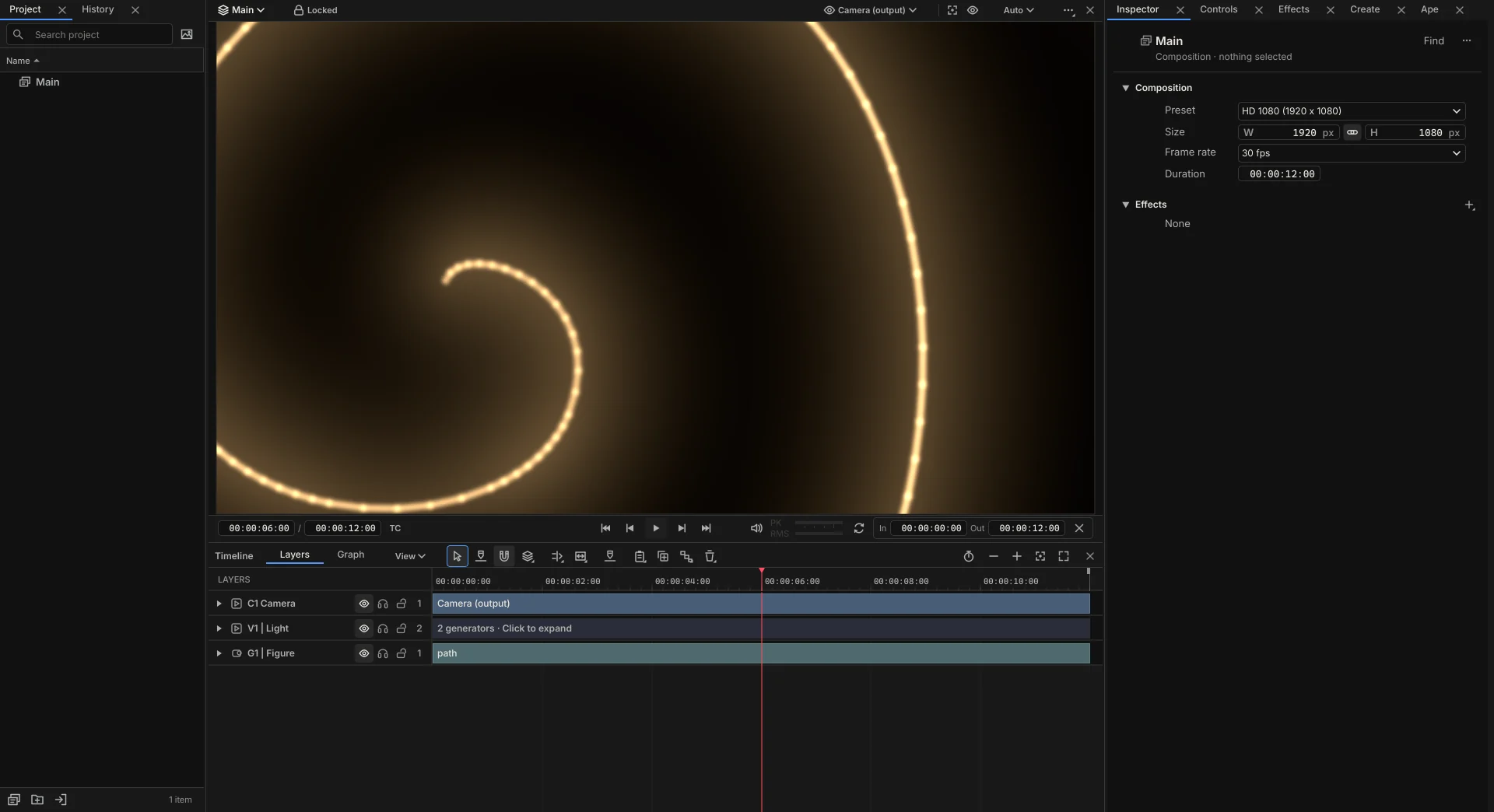
This one pulls the red and blue channels apart. split turns into a control in the Inspector, so you can key it in time with the music.
vec4 shade(vec2 uv) {
  vec2 offset = vec2(gp_split / gp_composition_resolution.x, 0.0);
  float r = gp_sample_input_frames(uv + offset).r;
  vec4  c = gp_sample_input_frames(uv);
  float b = gp_sample_input_frames(uv - offset).b;
  return vec4(r, c.g, b, c.a);
}
Python with the project in hand.
A script reads and changes the project through ctx, and everything it changes is one step in History. This one fades in the words of a title one after another.
def run(ctx):
    comp = ctx.project.composition("Intro")
    words = [clip for clip in comp.clips() if clip.kind == "text"]
    for i, word in enumerate(words):
        opacity = next(p for p in word.properties() if p.name == "Opacity")
        start = 0.8 + 0.08 * i
        opacity.set_keys([(start, 0, "ease_out"), (start + 0.5, 100, "linear")])
    print(f"Faded in {len(words)} words")
The same Python as Ape
Ape does its project work as Python too, against gp, and its presets for ease, overshoot, bounce and pop write the same keys you’d set by hand. Ask it for a script, then read and change what it wrote.
From a script to a tool
When a script becomes something you run every week, turn it into a plugin with its own handles on the Viewer and settings in the Inspector. Plugins
Modules hold code the whole project imports. Python runs only in projects your computer trusts, so someone else’s project asks before any of its code runs.
Start with one line on one property.
Grapple is a one-time payment of $99. Buy it during the public preview and it’s 50% off: $49.50.