Ape builds the edit you describe.
Ape is the AI agent inside Grapple. Give it your footage, a reference to match or a storyboard, and it cuts, animates, tracks and grades in the project you have open, rendering frames to check its work as it goes.
Drum and Dot, a 32-second motion piece Ape made in Grapple.
Ask for the whole piece.
Ape watches the footage through contact sheets and transcripts, finds the beats in the music and reads your storyboard, so you can name the shot, the person or the moment and it knows what you mean.
Make a travel edit from these clips in the style of this reference.
Make a 30-second motion piece in a halftone print look, and let me tune the inks.
Animate our mascot: blink, glance around, and settle after each move.
Track the sign on the wall and put our logo on it.
Grade the three interview shots to match the first.
Make a vertical version of the cut for social.
Ape made its own mascot.
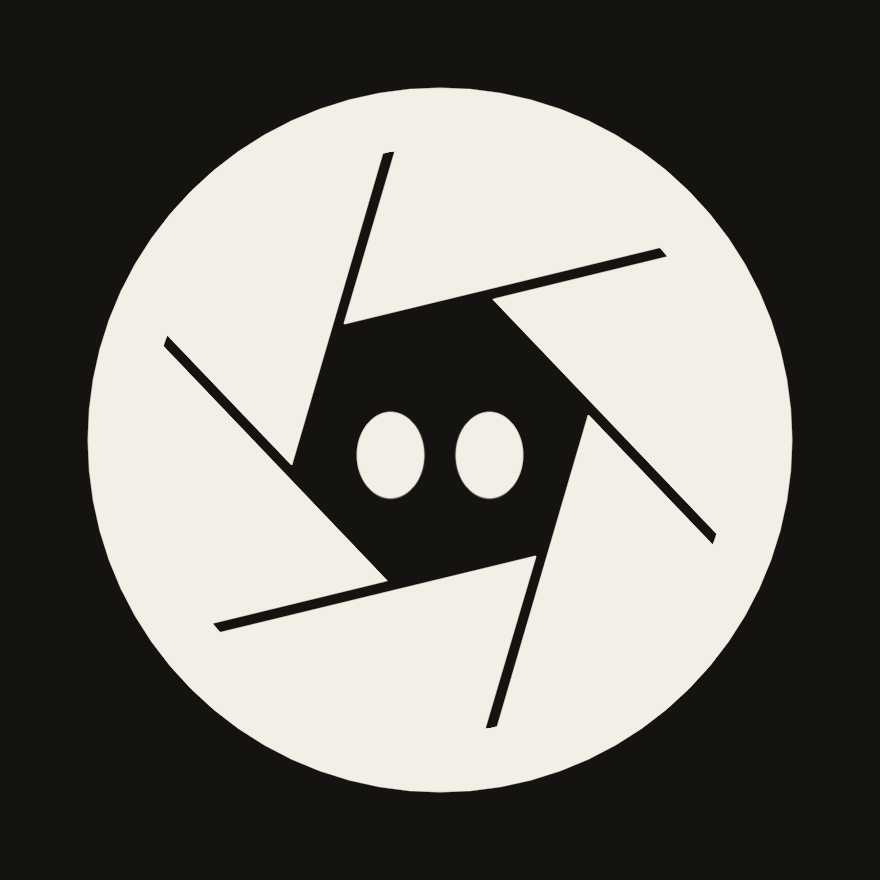
Ape built and animated its own mascot in Grapple
Every frame was rendered in Grapple: the build step by step, then Ape's states.

Work on it together.
Ape works in the project you have open. It builds ordinary objects, such as a Follow path, a Spring driver, a Grade or a tracker, so when it finishes there’s nothing to import, and you can open and change anything it made.
Steer it as it works
Ape shows its plan and ticks off each step. Send a note to change direction, or stop it, and when a choice is yours, it asks.
Your undo stays yours
Ctrl+Z undoes your own last change, never Ape’s. If you both change the same value, yours is kept and Grapple tells you what Ape had set.
Take back a run, or part of one
A whole run is one row in History, with Undo run and a Before and After view. Undo a single step from the middle of it, and the rest stays.
Tune it in Controls
Ape publishes the few choices that make a piece feel right, such as the inks or the timing of an entrance, as Controls you drag while it plays. Ask it about a set, “snappier, less bounce”, and it changes the same Controls.
Ape runs on the model you choose: Claude Code or Codex with the Claude or ChatGPT plan you already pay for, an API key from the provider you prefer, or a model on your own computer. Change it from the chat whenever you like.
More about modelsBrief Ape on your next video.
Grapple is a one-time payment of $99. Buy it during the public preview and it’s 50% off: $49.50.